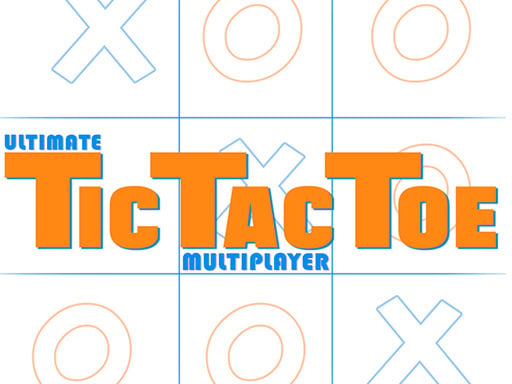
This version opens with local-play settings and several board sizes. Start with the default 3-by-3 CPU board if you want familiar rules before exploring the larger options.
On the default 3-by-3 board, make a horizontal, vertical or diagonal line of three marks before the opponent.
Checked . Local desktop 3-by-3 CPU opening and reply checked; larger boards, online matchmaking and touch controls not tested.
Tic Tac Toe Blackboard
Connect 4 Multiplayer
Master Checkers Multiplayer
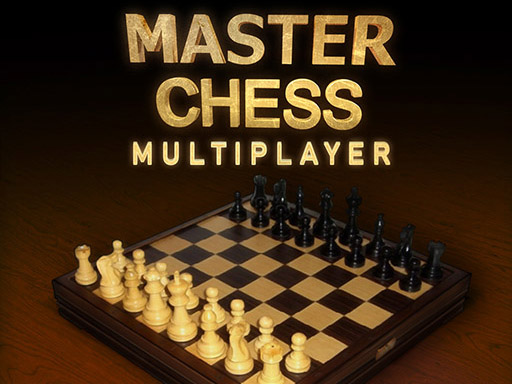
Master Chess Multiplayer
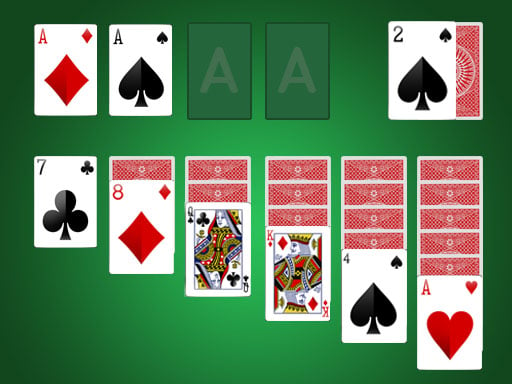
Solitaire
Golf Solitaire

Online KitPvP : 50vs50

GORILGO FPS : Online Shooter

Obby: Lucky Block Heist

Magic Battle Online

Obby +1 Double Jump

MINE BLADE Online KitPvP

Obby Tsunami Runner

Brush Cat Challenge

imposter Duck : Online

Paint or Seek: Chameleon Hide Online

Speen

Music Night Battle: Rhythm Game

Castle Wars: Legacy

Guardz IO

blockscape.io

Stickman Trivia Fall IO

Quiz Runner.io

Brainrot Bridge Race 3D

Santa Matching Game

carrom pro

WHOT The Ultimate Nigerian Card Game

Clonium

Fall Guys Unblocked Web Multiplayer

Battle SWAT vs Mercenary Remaster

PGA3 Zombie

Paws Off My Clues!