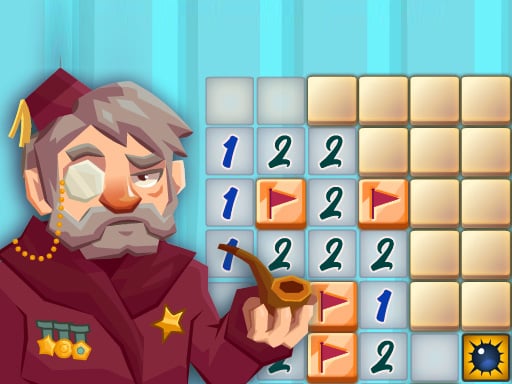
A themed minesweeper version with Easy, Medium and Hard choices on the opening screen. Our Easy check produced a 9-by-9 board, a mine counter showing 20 and a timer that started with the first reveal.
Reveal safe squares and use the numbered clues to avoid mines. Each clue describes mines in the immediately neighboring cells, including diagonal neighbors.
Checked . Easy desktop 9-by-9 board and revealing click checked; a 390-pixel touch-emulated top-left reveal also succeeded. Flagging, other difficulties and completed rounds not tested.
2048
Wild Animals Memory

Word Search
Bubble Shooter

Balls Bricks Breaker
2048 Legend
2048 Puzzle
Solitaire

Minesweeper
Sudoku Classic

Hangman Challenge
Fruit Sudoku
Golf Solitaire

Ink Streak

Level Once Again

Sands of Anubis

Spellbound Orbs

Grazing Giraffe

Merge Monsters

Happy Orange Glass

Car Sort

Wild Fusion

Autumn Cottage Connect

Fish Sort Puzzle

Mummy Candy

Brain Jam

Tile Match Guard Baby

Frosty Rush

Black Hole Swallow Master

Blast Round Puzzle Block

Blocky Shooter Game

Hungry Snail