A word-guessing game with an on-screen QWERTY letter grid and a category clue. The opening round we saw used the SOCIAL NETWORK category and eight hidden letter positions.
Reveal the hidden word or phrase by choosing letters before the gallows drawing is completed.
Checked . Desktop opening round and two correct on-screen letter selections checked; incorrect guesses, hints and completed rounds not tested.
2048

Word Search

Minesweeper
Wild Animals Memory
Bubble Shooter

Word Search Puzzle
Sudoku Classic
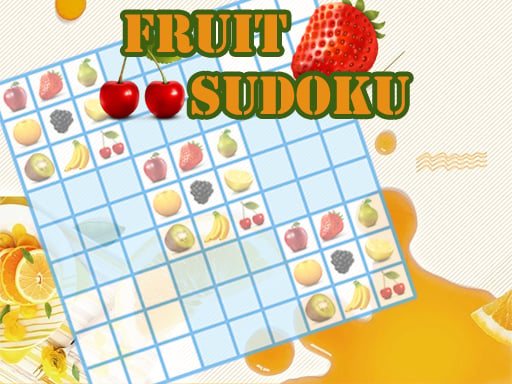
Fruit Sudoku
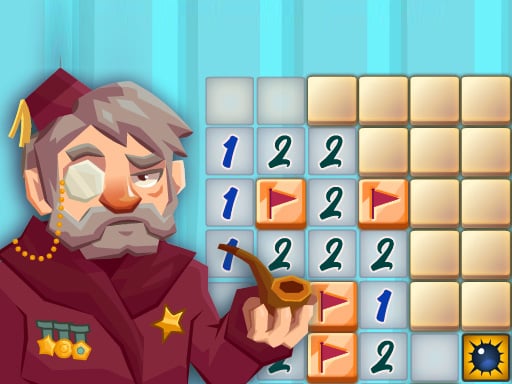
Classic Minesweeper
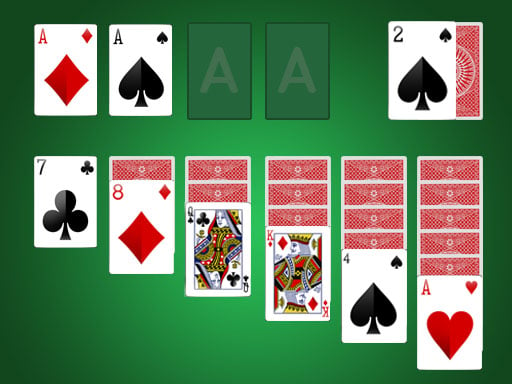
Solitaire
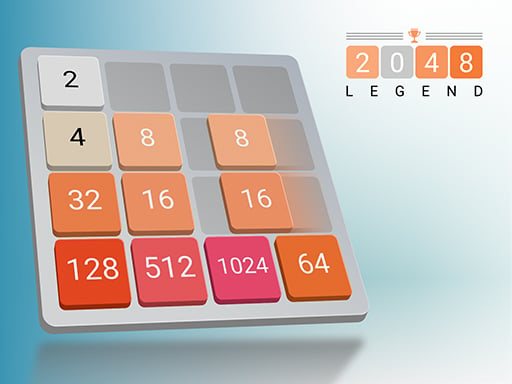
2048 Legend
2048 Puzzle
Golf Solitaire

Ink Streak

Level Once Again

Sands of Anubis

Spellbound Orbs

Grazing Giraffe

Merge Monsters

Happy Orange Glass

Car Sort

Wild Fusion

Autumn Cottage Connect

Fish Sort Puzzle

Mummy Candy

Brain Jam

Tile Match Guard Baby

Frosty Rush

Black Hole Swallow Master

Blast Round Puzzle Block

Blocky Shooter Game

Hungry Snail


