Desktop game—use a larger screen. Read the device notes for this game’s layout limits.
This is a wide, traditional minesweeper board with visible Rules and Difficulty Level buttons. It is a better first choice on a roomy desktop than on a narrow portrait phone screen.
Reveal the safe cells while using the numbered clues to work out where mines can be. A number describes mines in the cells immediately surrounding that clue.
Checked . Desktop cell reveal and portrait layout checked; flagging, other difficulties and completed rounds not tested.
2048

Word Search
Wild Animals Memory
Bubble Shooter

Hangman Challenge

Word Search Puzzle
Sudoku Classic
Fruit Sudoku
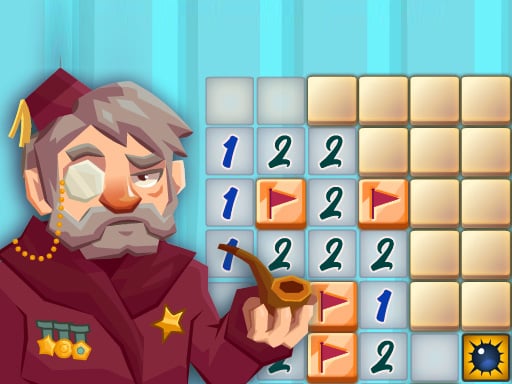
Classic Minesweeper
Solitaire
2048 Legend
2048 Puzzle

Golf Solitaire

Ink Streak

Level Once Again

Sands of Anubis

Spellbound Orbs

Grazing Giraffe

Merge Monsters

Happy Orange Glass

Car Sort

Wild Fusion

Autumn Cottage Connect

Fish Sort Puzzle

Mummy Candy

Brain Jam

Tile Match Guard Baby

Frosty Rush

Black Hole Swallow Master

Blast Round Puzzle Block

Blocky Shooter Game

Hungry Snail


