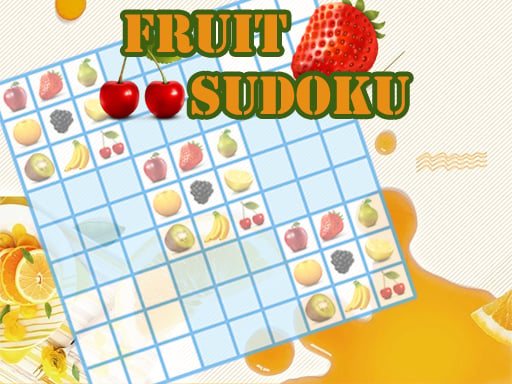
A Sudoku-style grid that uses fruit symbols instead of written numbers. The menu offers Easy, Medium and Hard; our check used Easy and confirmed the cell-first input order.
Complete the 9-by-9 grid using the fruit symbols without repeating a symbol in its row, column or region. Use the game’s Help control for the full rules.
Checked . Easy desktop board, cell selection and one fruit entry checked; solution correctness, assistance controls and touch not tested.
2048

Word Search

Minesweeper
Wild Animals Memory
Bubble Shooter

Hangman Challenge

Word Search Puzzle
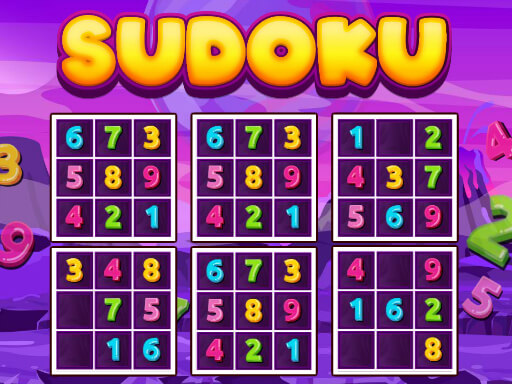
Sudoku Classic
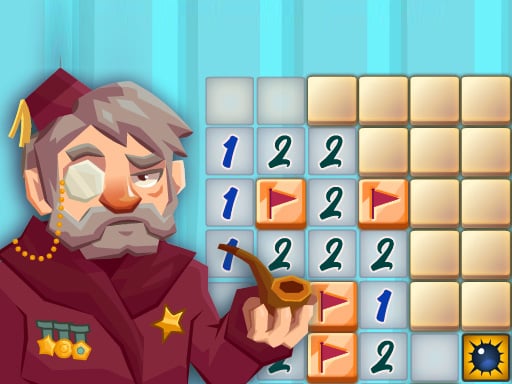
Classic Minesweeper
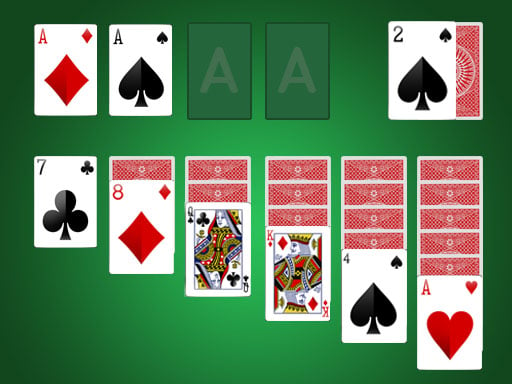
Solitaire
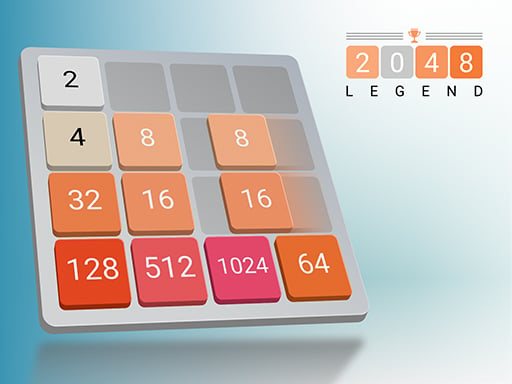
2048 Legend
2048 Puzzle
Golf Solitaire

Ink Streak

Level Once Again

Sands of Anubis

Spellbound Orbs

Grazing Giraffe

Merge Monsters

Happy Orange Glass

Car Sort

Wild Fusion

Autumn Cottage Connect

Fish Sort Puzzle

Mummy Candy

Brain Jam

Tile Match Guard Baby

Frosty Rush

Black Hole Swallow Master

Blast Round Puzzle Block

Blocky Shooter Game

Hungry Snail